DoorDing Apps
Every Surface.
One Ecosystem.
DoorDing is more than hardware. The apps that power it run on your phone, your wrist, your reception desk, and your browser — all connected to DingCloud, all working together.
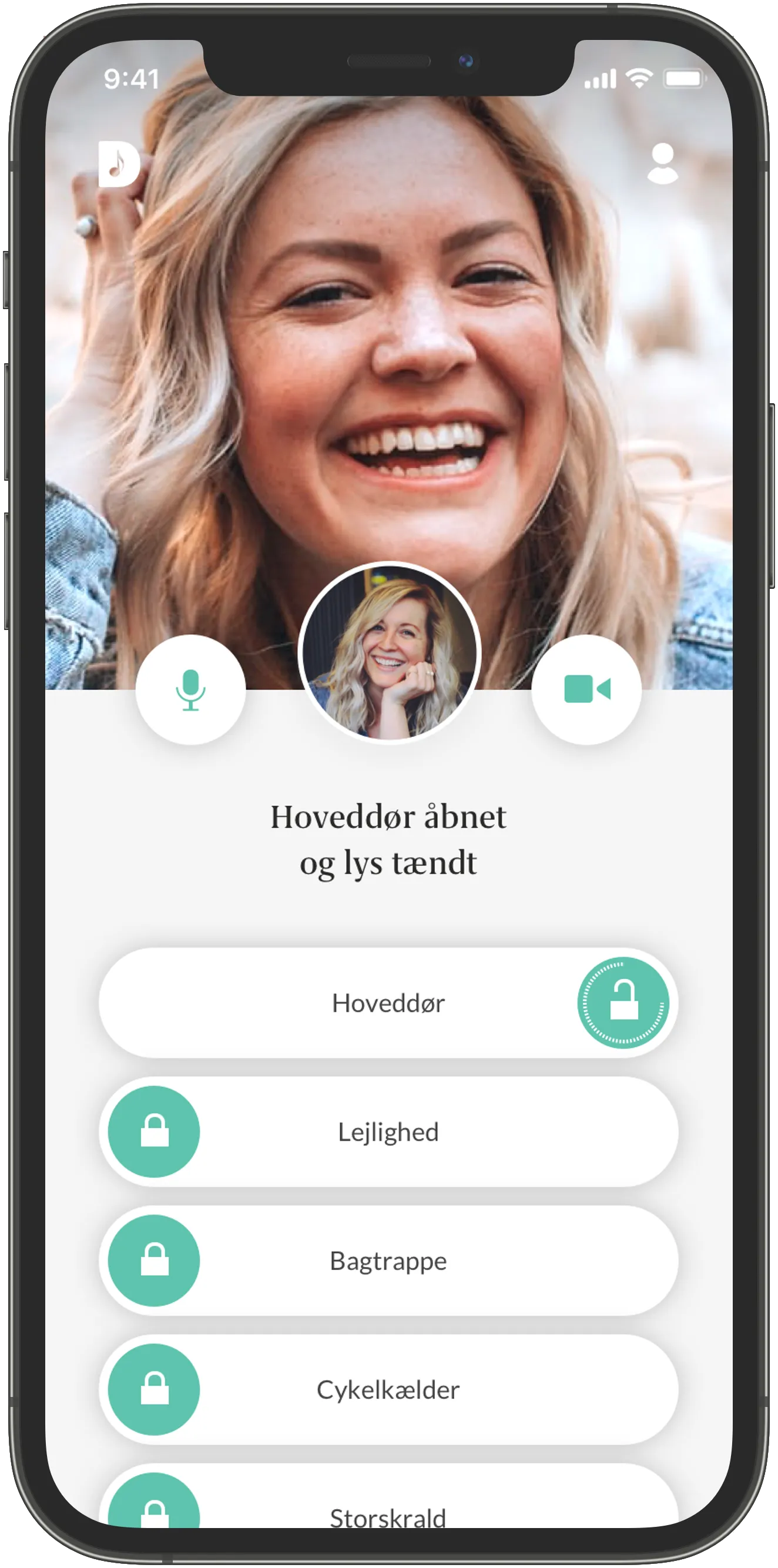
iPhone / Android
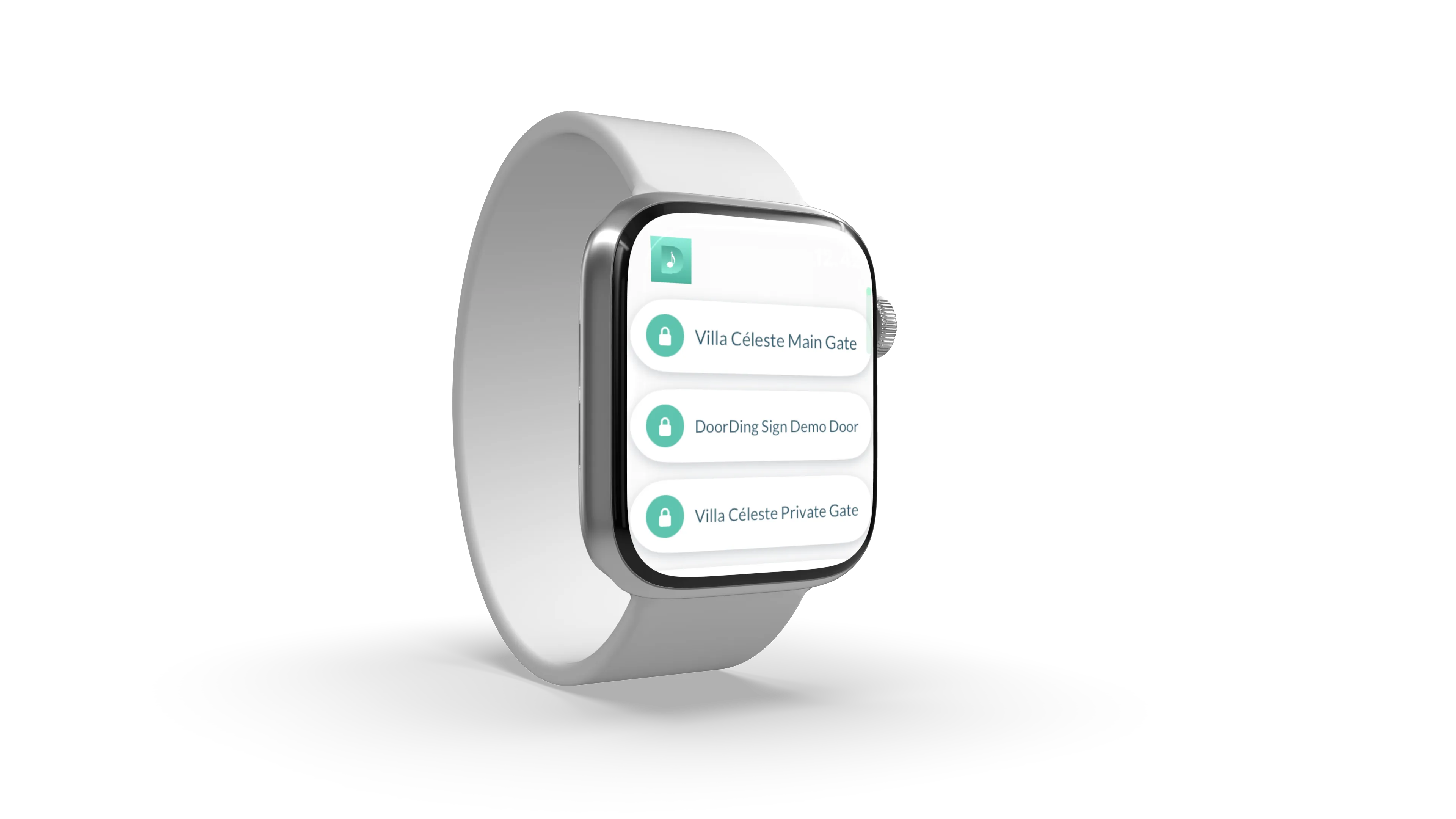
Apple Watch
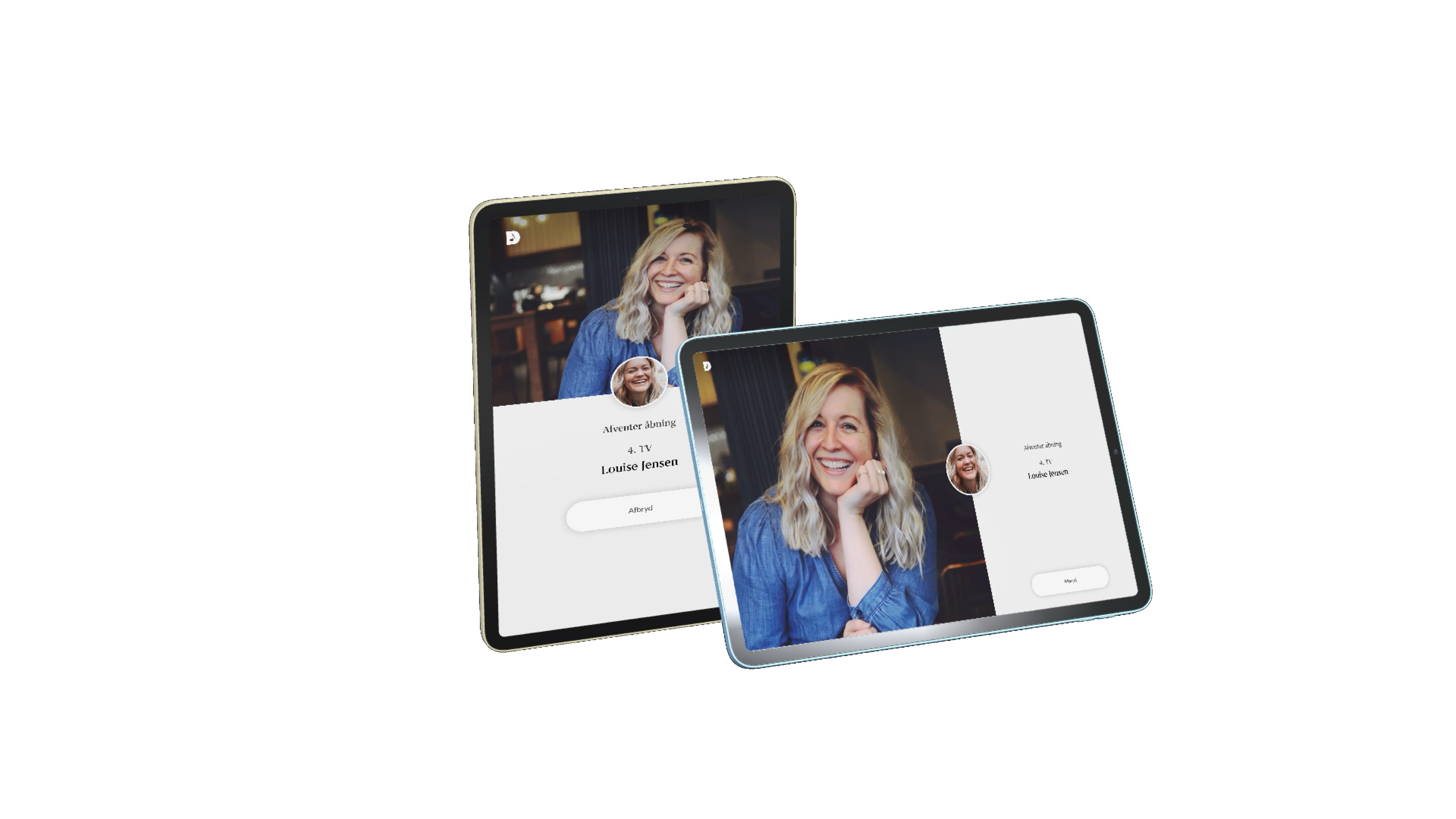
Station
Resident App
iPhone & Android
The DoorDing app is where residents live. Answer video calls from the entrance, open any door with one tap, share digital keys with guests, and manage access schedules — all from your phone.
-
Two-way video calls
Answer the doorbell with live video from anywhere in the world.
-
Digital key sharing
Create and share temporary or permanent keys with guests, cleaners, and delivery services.
-
Access logs
See a timestamped history of every door opening associated with your account.
-
Scheduled access
Set time-limited keys — perfect for recurring deliveries, dog walkers, and short-term rentals.

Apple Watch
Open Doors from Your Wrist
The DoorDing Apple Watch app brings the most important actions to your wrist. Answer an incoming door call, open any of your doors, or check who rang — without ever reaching for your phone.
Incoming call notifications
Receive a haptic tap on your wrist when someone rings the bell. Accept or dismiss — and open the door — directly from the watch.
Quick door opening
A glanceable complication on your watch face puts your most-used door one tap away.
Works offline
The watch app caches your doors so common actions are instant, even in areas with patchy connectivity.
Multiple doors
All your doors are available on the watch — swipe between them with a flick of the wrist.
UserManager
Web-Based Admin for Property Managers
UserManager is the DingCloud web interface for administrators. Add residents, manage access permissions, review entry logs, and configure every device in your property — all from a browser, with no software to install.
Resident directory
Add, edit, and remove residents. Changes take effect instantly on all connected panels.
Permission management
Assign which residents have access to which doors, with fine-grained time schedules.
Device configuration
Configure DoorDing Touch panels and DingBoxes remotely — no on-site visit needed.
Audit & reporting
Export access logs for compliance, incident review, or billing. Filter by door, resident, or time.
Key management
Issue and revoke physical NFC KeyTags and digital keys from a single dashboard.
Multi-property support
Manage a portfolio of properties from a single UserManager account.
DoorDing Station
DoorDing on a Tablet
DoorDing Station is the full resident app — running on a tablet. Mount it by the front door, on the kitchen counter, or anywhere convenient. It acts as a permanent home screen for door calls, access management, and your visitor log. Ideal for households that want a dedicated always-on display.
Always-on display
The screen stays active, ready to show incoming calls and let you open the door at a glance.
Full resident app
All the features of the iPhone/Android app, optimized for a tablet-sized screen.
Wall or desk mounting
Use a wall bracket for a clean installation, or place it on any flat surface.
Any tablet
Works on any modern iPad or Android tablet — use a device you already own.
Managed — always functional and up to date
DoorDing Station is fully managed and locked down. The tablet runs only the DoorDing Touch app — no other software can be installed, and no settings can be changed. Updates happen automatically in the background, so you always have the latest version without any maintenance on your part.
One Platform
Every App. One DingCloud Account.
All DoorDing apps share the same identity and data. A key you issue in UserManager works in the resident app. A door you open from your phone shows up in the reception log. A call that comes to your Apple Watch also rings your phone.
Hardware
Explore the DoorDing Hardware Lineup
See It All in Action
Contact us to schedule a demo and see the full DoorDing ecosystem — hardware, apps, and cloud platform working together.